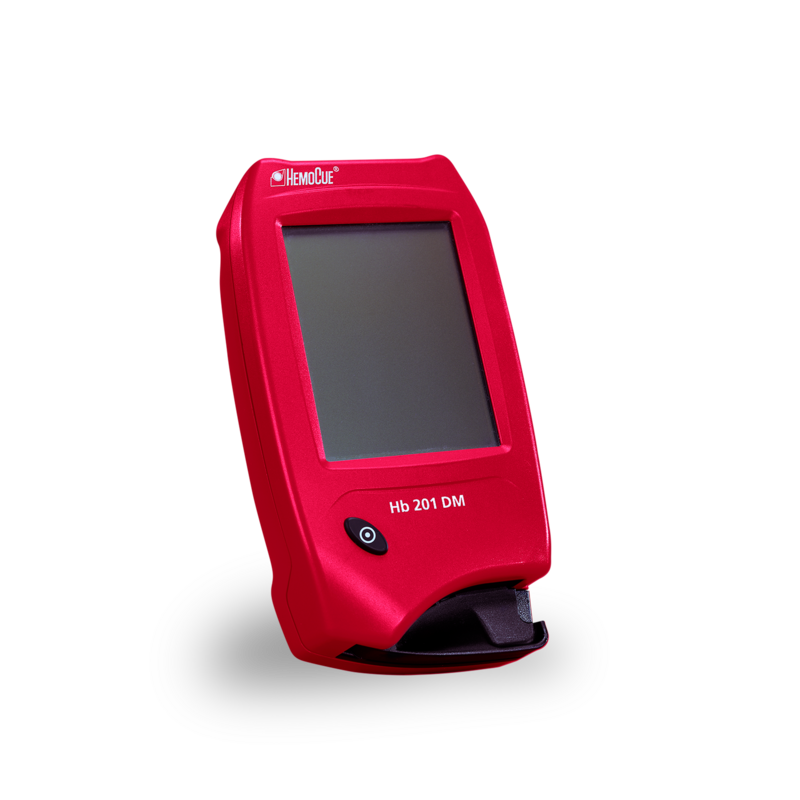
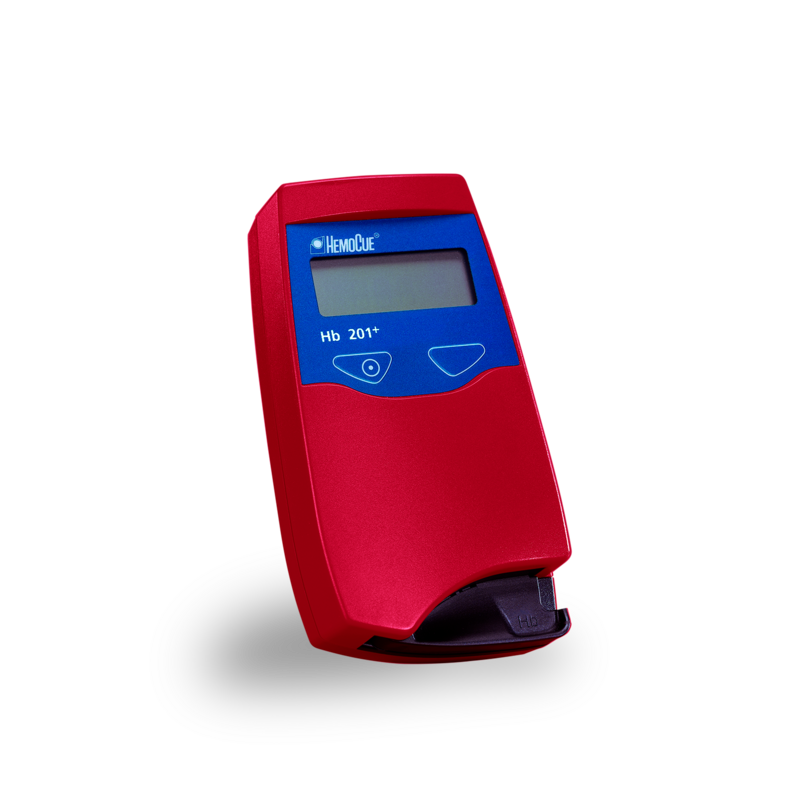
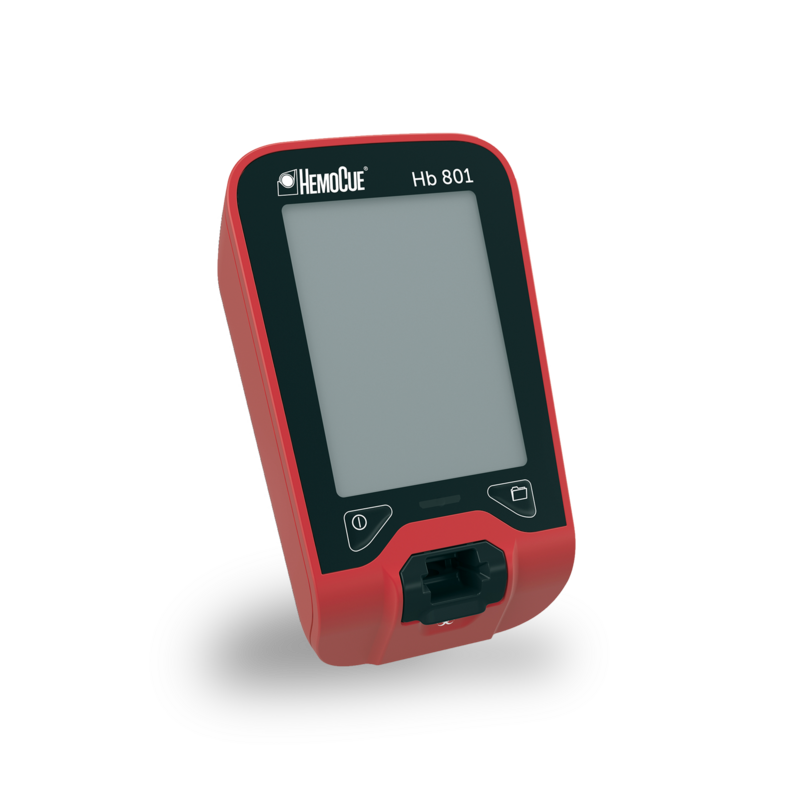
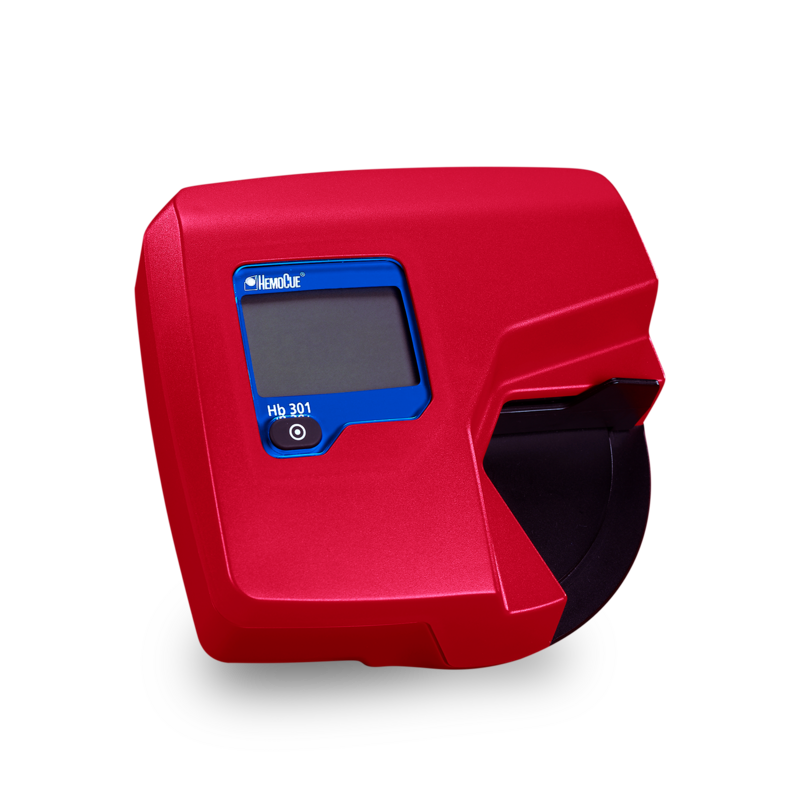
Enhance your patient safety and simplify your workflow. The HemoCue® Hb 201 DM System offers the lab accuracy and ease of use that has become a standard in Hb point-of-care testing, while also providing improved patient safety with features like QC lockout and built-in barcode scanning of patient ID.
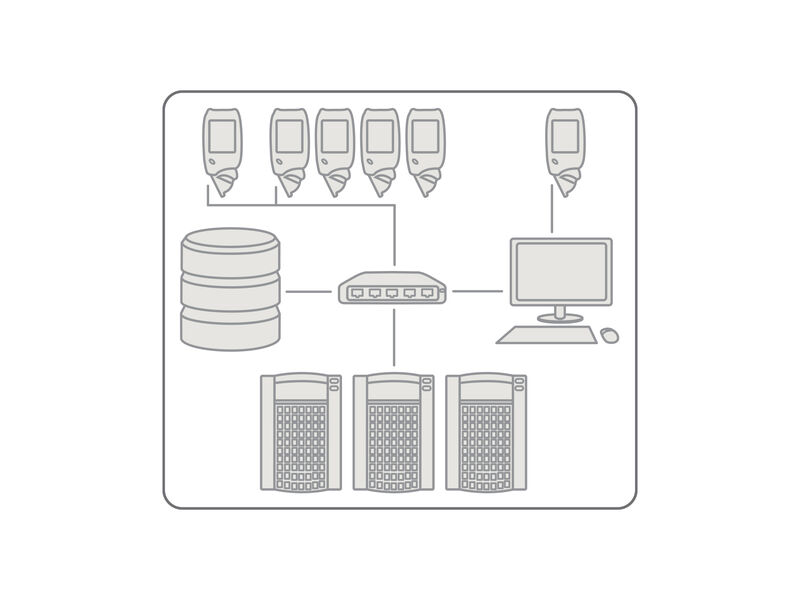
Improve your administrative workflow and safeguard patient testing and data with our data management solution in hemoglobin point-of-care testing. The HemoCue® Hb 201 DM System offers a complete data management solution for Hb testing and anemia screening through bi-directional communication and flexible settings.
01
Resultater inden for 1 minut
02
Indbygget selvtest til kvalitetskontrol
03
Knyt patientoplysninger og kommentarer til testresultater
04
Reducer fejl med automatisk overførsel af resultater
05
Problemfri integration med eksisterende netværk via POCT1-A
06
Nem at anvende efter kort oplæring
Kundehistorier
Sorry, no results were found.
Systemspecifikationer
Principle
Modified azidemethemoglobin reaction; dual wavelengths (570 nm and 880 nm) for compensation of turbidity
Calibration
Calibrated against the hemiglobincyanide (HiCN) method, the international reference method recommended by the ICSH, for the determination of the hemoglobin concentration in blood. The system is factory calibrated and needs no further calibration
Power
Internal rechargeable batteries or powered with AC adapter direct or in docking station
Quality control
Built-in self-test, optional liquid controls
Sample material
Capillary, venous or arterial whole blood
Sample volume
~10 µL
Measurement range
0.5-25.6 g/dl (5-256 g/L, 0.3-15.9 mmol/L)
Measuring time
15-60 seconds
Dimensions
Analyzer: 170 x 93 x 50 mm (6.70 x 3.66 x 1.97 inches)
Docking station: 135 x 206 x 61 mm (5.30 x 8.10 x 2.40 inches)
Weight
Analyzer: 350 g (0.77 lbs) with batteries installed
Docking station: 566 g (1.24 pounds)
*LASER LIGHT DO NOT STARE INTO BEAM CLASS 2 LASER PRODUCT
Lab-quality results in
four simple steps
1
01
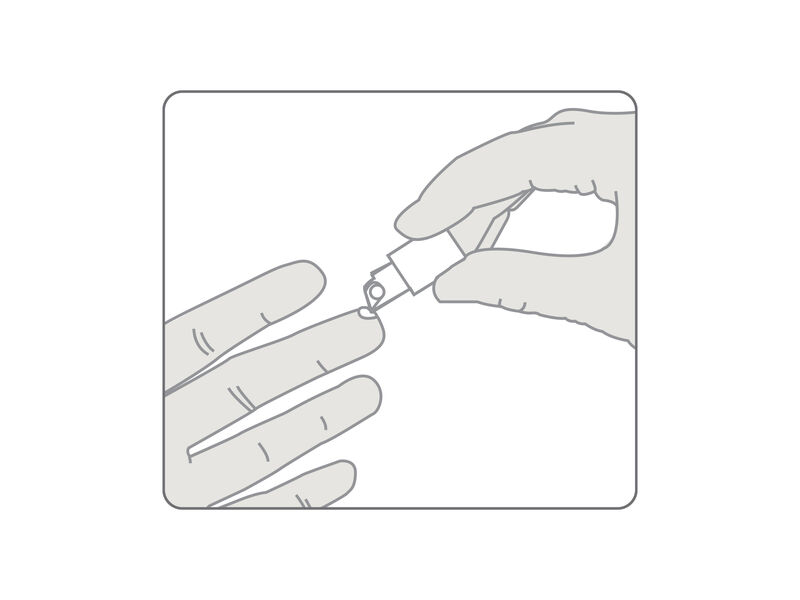
Fill the microcuvette
2
02
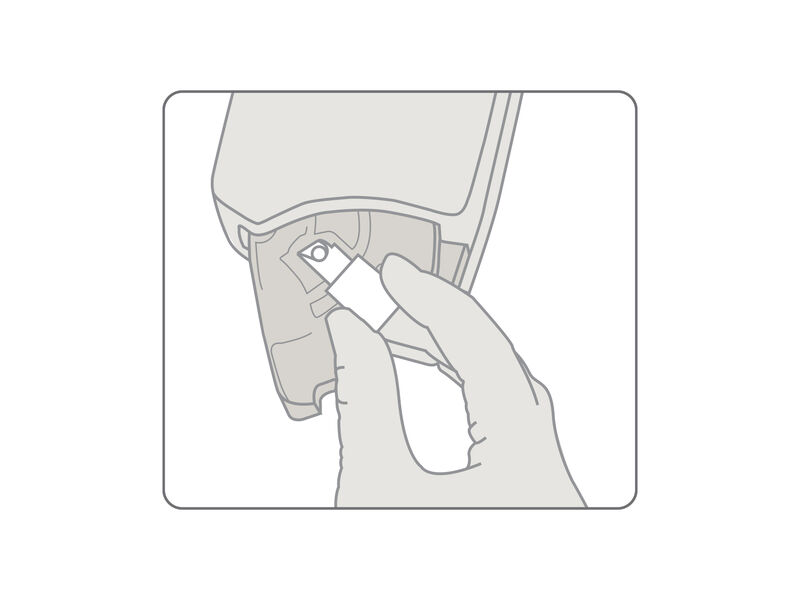
Place the microcuvette into the analyzer
3
03
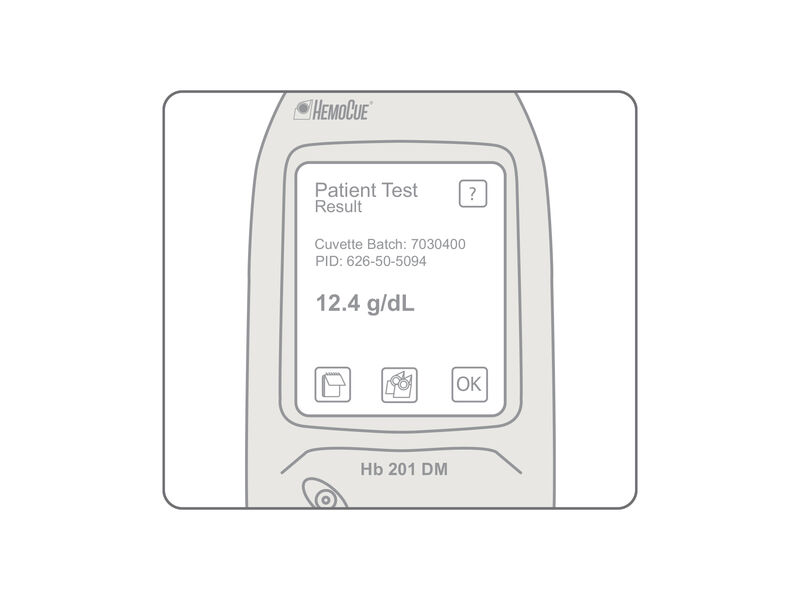
View results in under 1 minute
4
04
Seamlessly interface with your network
Frequently Asked
Questions
If the function on the display is not responding when pressed, the display may need to be recalibrated. Please read the Operating Manual for a detailed explanation of the procedure.
Once configured, the HemoCue® PDS+ Docking Station can be connected to the network with a LAN cable. HemoCue® SDS+ Docking Stations (up to 4) can be connected to a HemoCue® PDS+ Docking Station allowing docking of multiple analyzers for charging and transfer of data.
To receive a digital version of the Instructions for Use for your system, fill in the form and we’ll reach out.